PUBG MOBILE FLASH v4.6.0 APK Download
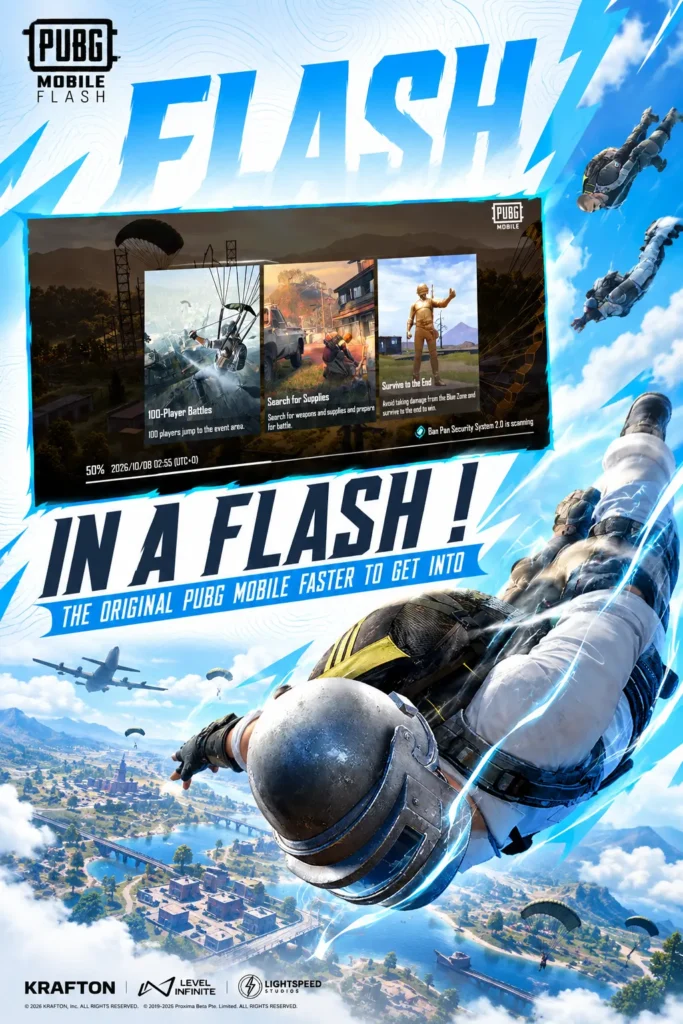
PUBG MOBILE FLASH brings the authentic PUBG MOBILE battle royale experience to players who want faster access, better storage management, and optimized performance across a wider range of mobile devices. Instead of requiring players to download a large amount of additional content before their first match, it focuses on getting players onto the battleground quickly.
Why Choose PUBG MOBILE FLASH?
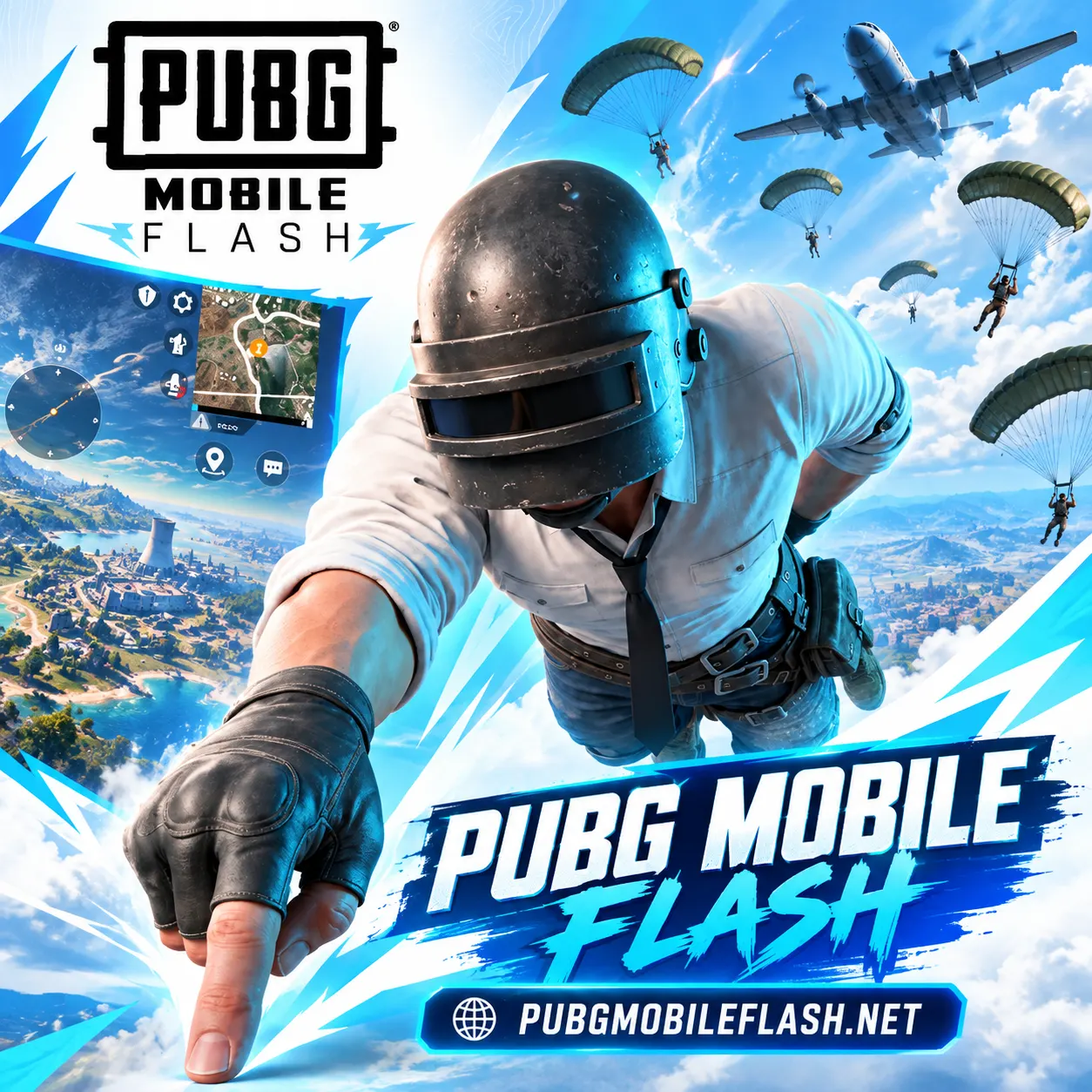
Erangel Ready From the Start
The first launch is designed to get players into battle quickly. Erangel is included with the initial game experience, removing the need to wait for a separate map download before starting the classic battle royale mode.
Lighter Initial Download
PUBG MOBILE FLASH focuses on reducing the amount of content players need at the beginning. This makes installation more manageable for users who want to keep more free storage available for photos, videos, apps, and other mobile content.
Quick Access to the Battleground
The battle Royale game is built to reduce the waiting between installation and gameplay. With Erangel ready from the start, players can enter the classic battle royale action sooner, explore familiar locations, collect weapons, and compete for survival.
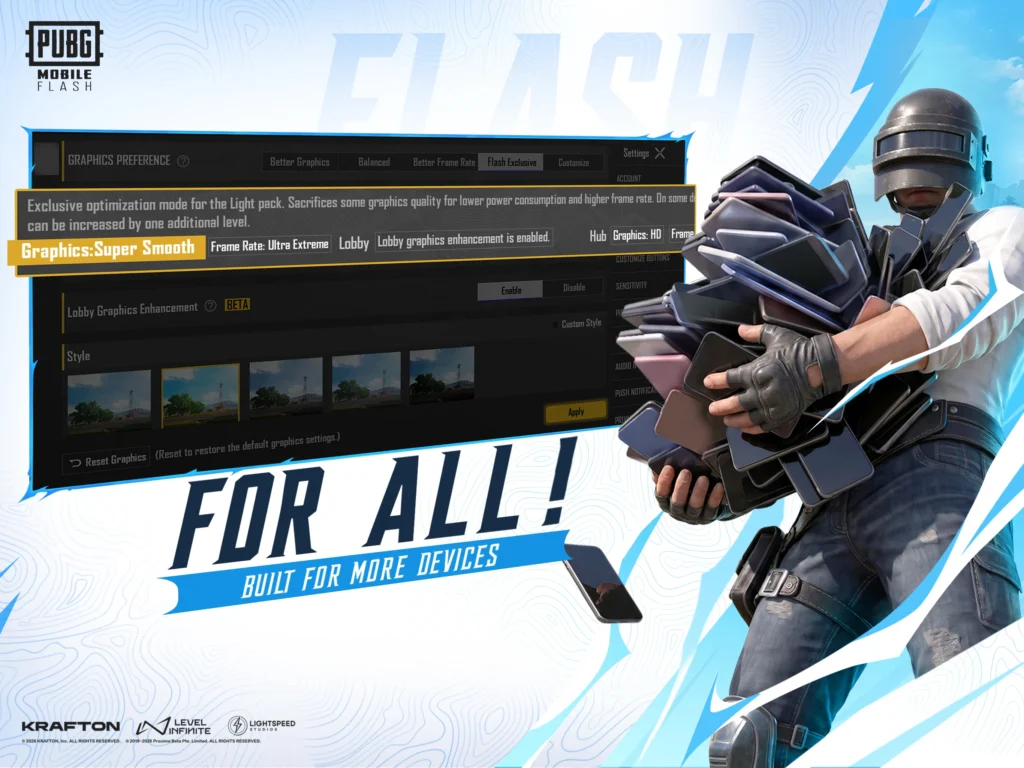
Optimized for More Devices
The game is designed with broader device accessibility in mind. Its optimized approach gives more mobile players an opportunity to experience PUBG MOBILE without making a large initial installation the starting requirement.
About PUBG MOBILE FLASH APK
The idea behind this game is simple: players should be able to install the game, enter the familiar PUBG MOBILE world, and start playing without first downloading a large collection of optional resources.
Rather than changing the identity of PUBG MOBILE, it keeps the recognizable battle royale experience at its center. Players still enter a large battleground, search for weapons and equipment, move with the safe zone, face other players, and fight to remain standing at the end of the match.
The difference is mainly in how players access and manage the experience.
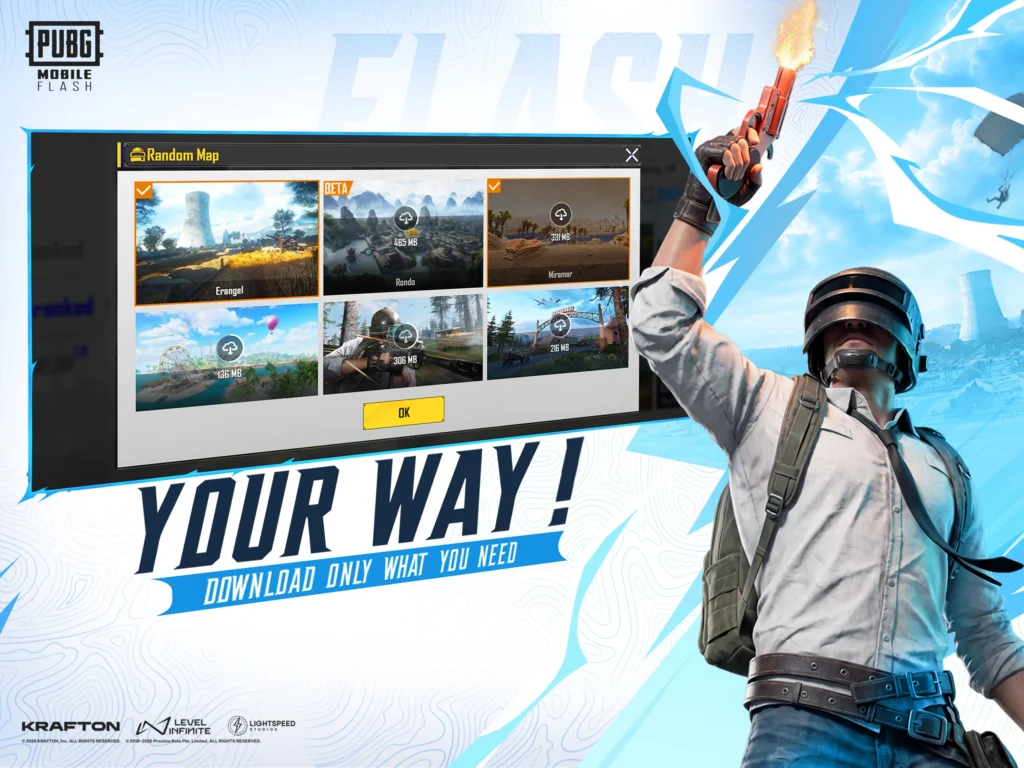
Erangel is ready for immediate battle royale action, while additional content can be downloaded later. This gives players the freedom to build their installation around the maps and modes they actually want to play.
PUBG MOBILE FLASH Game is also intended for a global audience rather than being a country-specific PUBG edition. It brings the recognizable PUBG MOBILE experience to players looking for a more accessible starting point.
Interesting Features of PUBG MOBILE FLASH
The action game combines familiar battle royale gameplay with a lighter and more flexible approach to mobile installation.
Authentic Battle Royale Gameplay
At its heart, this trending game remains a PUBG MOBILE experience. Players parachute onto the battleground, collect weapons and equipment, choose where to move, react to the shrinking play zone, and compete for survival.
Erangel Available Immediately
Erangel is one of the most recognizable parts of PUBG MOBILE, and the battle game makes it available from the beginning. Players do not have to install the game and then wait for another Erangel download before their first battle.
Smaller Starting Footprint
PUBG MOBILE FLASH Android reduces the amount of content required at the beginning. Players can start with the essential experience and decide later which additional resources deserve space on their device.
Familiar PUBG MOBILE World
Furthermore, the game does not try to create an unrelated battle royale universe. It remains part of the familiar PUBG MOBILE experience. The weapons, survival concept, map exploration, combat strategy, team play, and competitive atmosphere make the transition familiar for existing PUBG MOBILE players.
Play With Friends
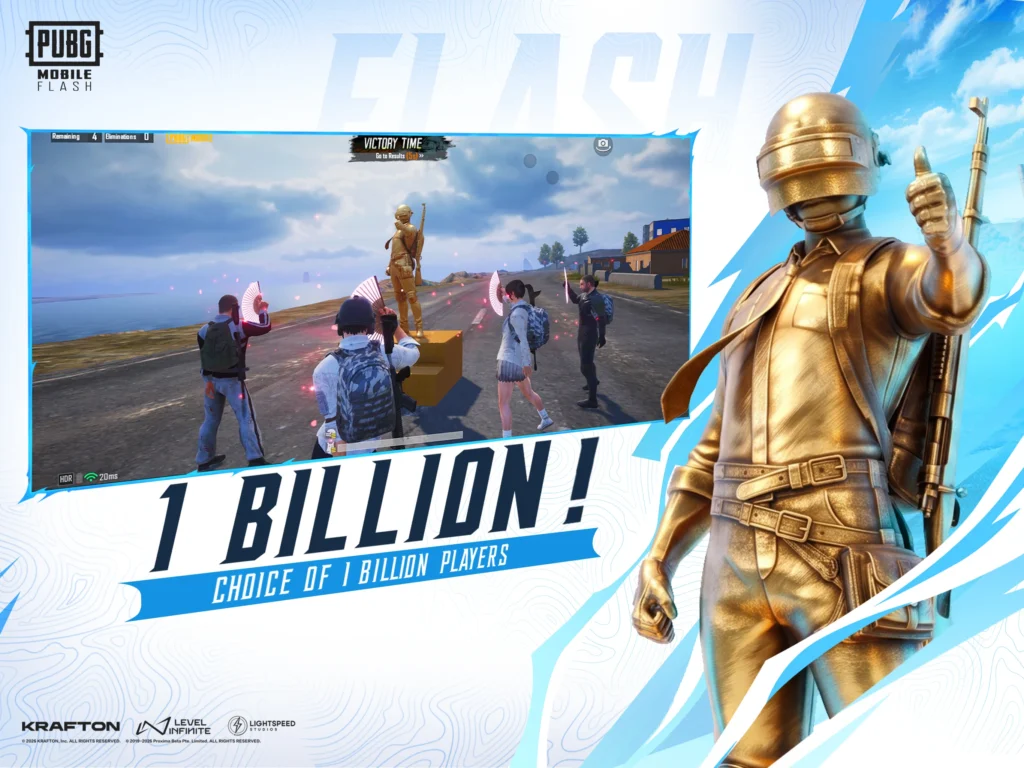
Battle royale becomes even more enjoyable when played with friends. PUBG MOBILE FLASH App keeps the social side of PUBG MOBILE in focus, allowing players to connect and experience matches together.
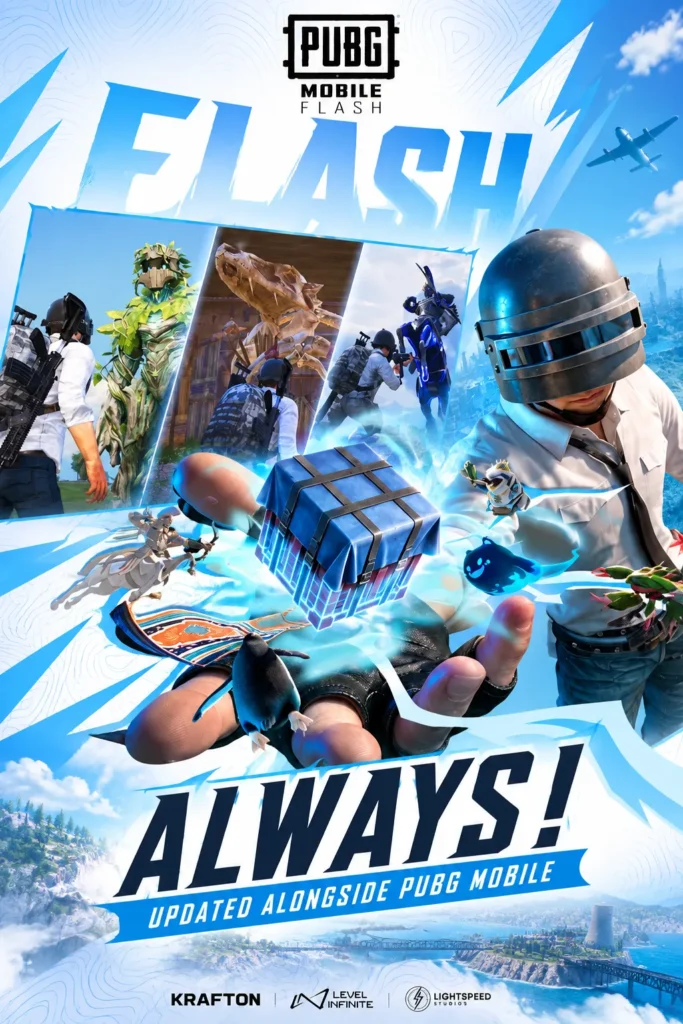
Regular Game Updates
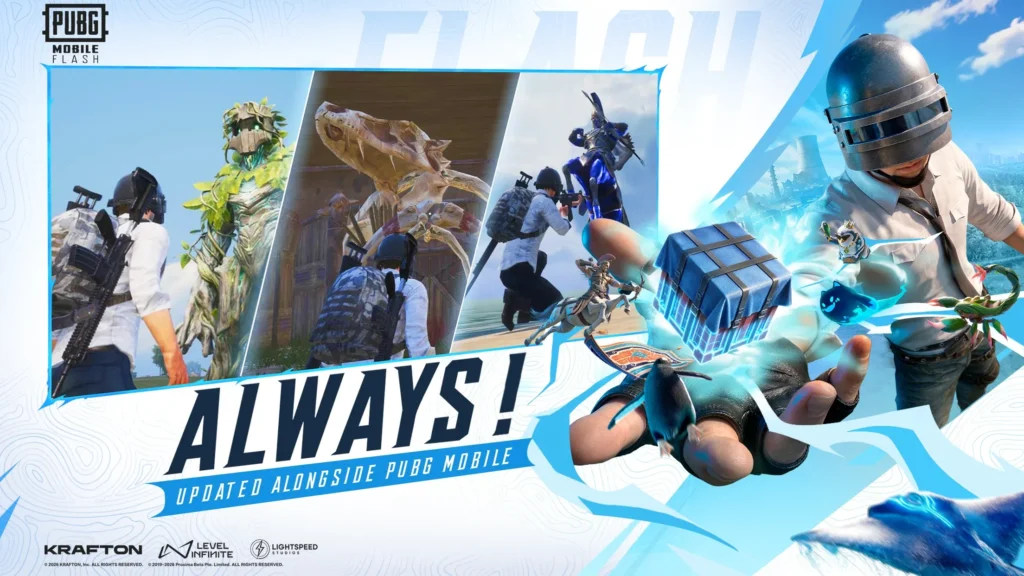
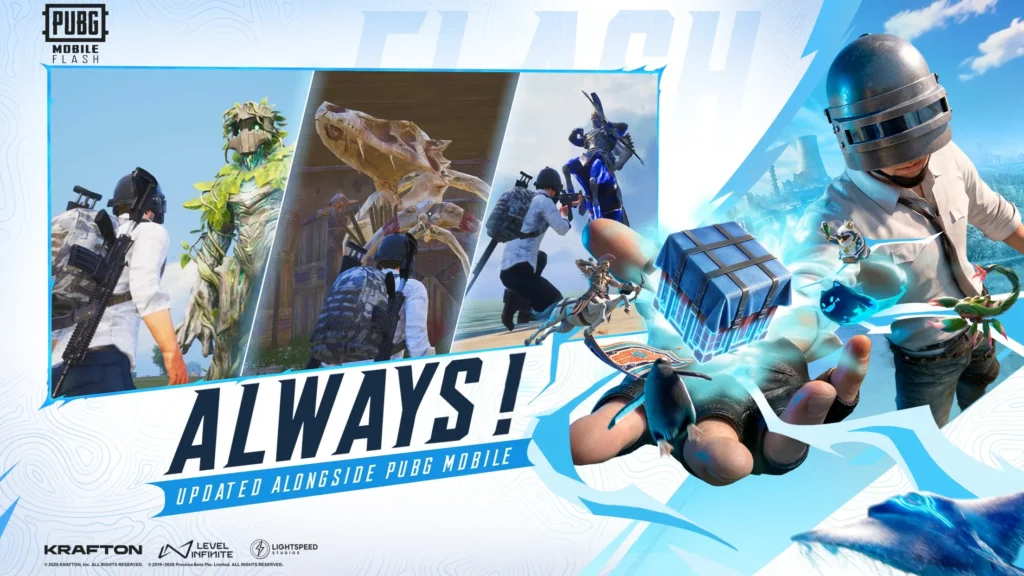
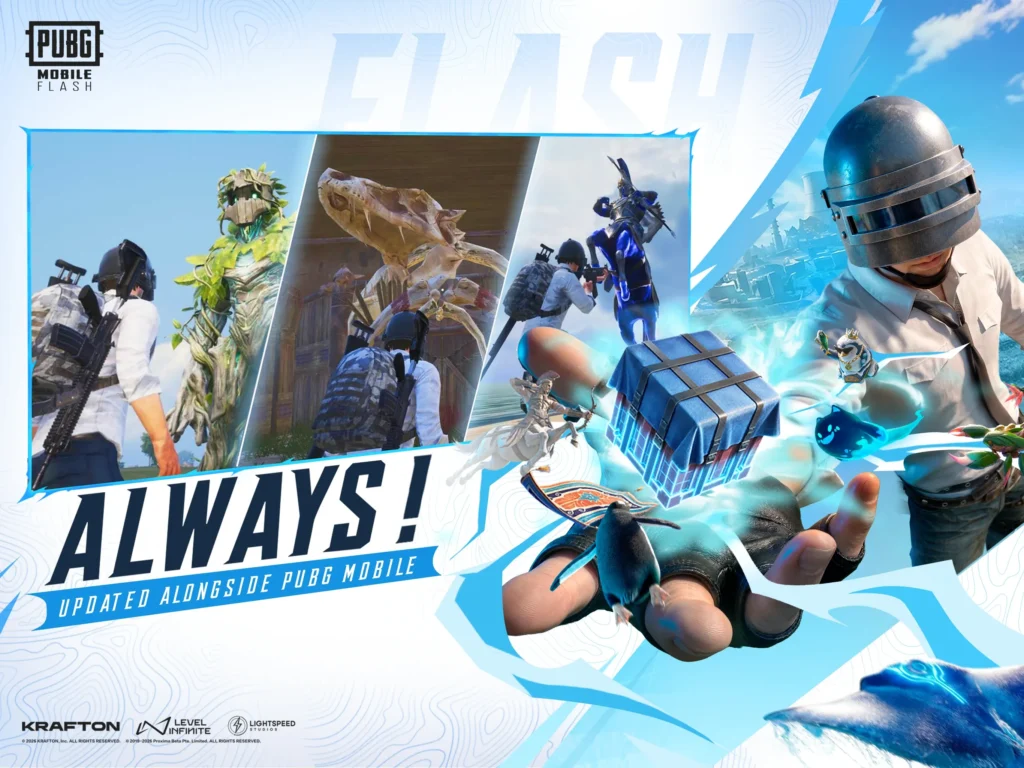
PUBG MOBILE is continuously developed, and it is designed to remain part of that evolving environment.
Updates can bring improvements and other changes over time, helping the game stay connected with the wider PUBG MOBILE experience.
Optimized Mobile Experience
Optimization matters because mobile players use phones with very different storage capacities and hardware configurations. A more streamlined starting experience can make entering PUBG MOBILE easier for users who prefer to manage their phone resources carefully.
Familiar Combat Mechanics
Players familiar with PUBG MOBILE will recognize the importance of aiming, positioning, movement, looting, vehicle use, cover, and map awareness.
Strategic Map Exploration
Choosing a landing location can influence the opening minutes of a match. Busy areas may lead to early encounters, while quieter locations can give players more time to collect equipment and prepare.
Solo and Team-Oriented Gameplay
This game is known for giving players different ways to approach battle royale. Some players enjoy relying on their own decisions, while others prefer coordinating with teammates.
Weapons and Equipment
Players explore buildings and other locations for weapons, ammunition, armor, healing supplies, attachments, and useful equipment. Since available loot and circumstances can differ between matches, players need to adapt rather than follow exactly the same plan every time.
How to Get Started with PUBG MOBILE FLASH | 5 Points
Getting into the battleground is designed to be straightforward.
How to Download PUBG MOBILE FLASH?
The process is quite easy and hassle-free. Just follow the below guidelines!
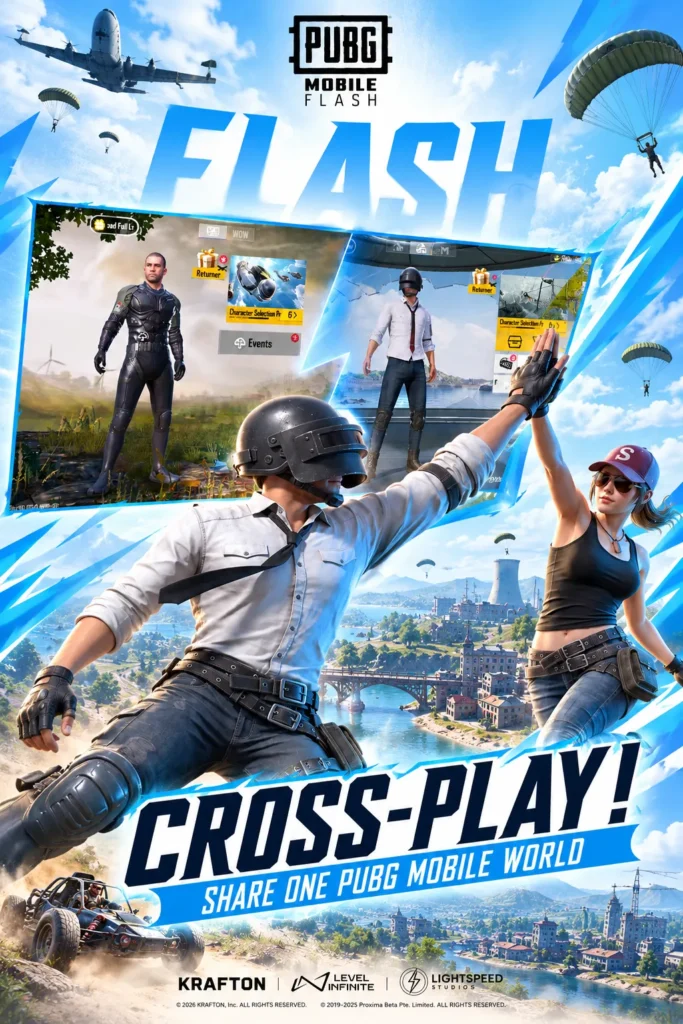
ios Download Process
Follow the below short guidelines to download tthe app on iOS devices.
Open App Store
Launch the App Store on your iPhone or iPad.
Search Game
Search the app on your device.
Tap Get
Press Get to begin downloading
LOGIN GUIDE
The login process connects players with the wider PUBG MOBILE experience.
Open the Game
Launch PUBG MOBILE FLASH Game after installation.
Choose an Available Login Method
Select one of the account or sign-in methods currently displayed by the game.
Complete Authentication
Enter or approve the information required by the selected login method.
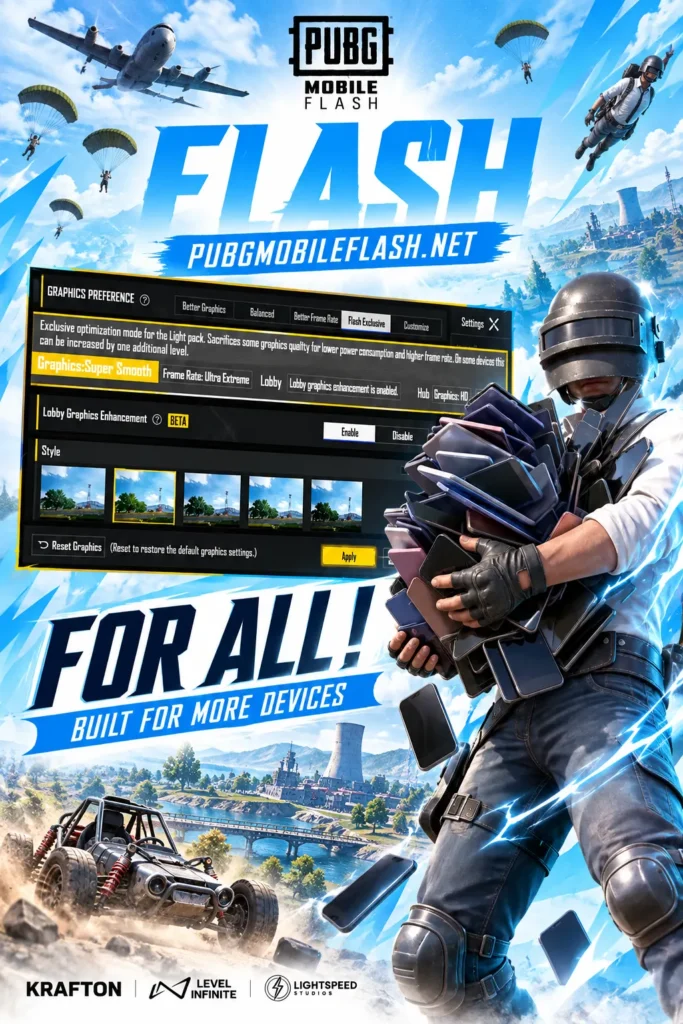
Additional Features
Erangle
Start Your First Battle on Erangel:
rangel plays an especially important role in PUBG MOBILE FLASH because it is available from the initial experience.
Once a match begins, players enter the aircraft and decide where to land. The choice can affect everything that happens next.
MAPS AND MODES
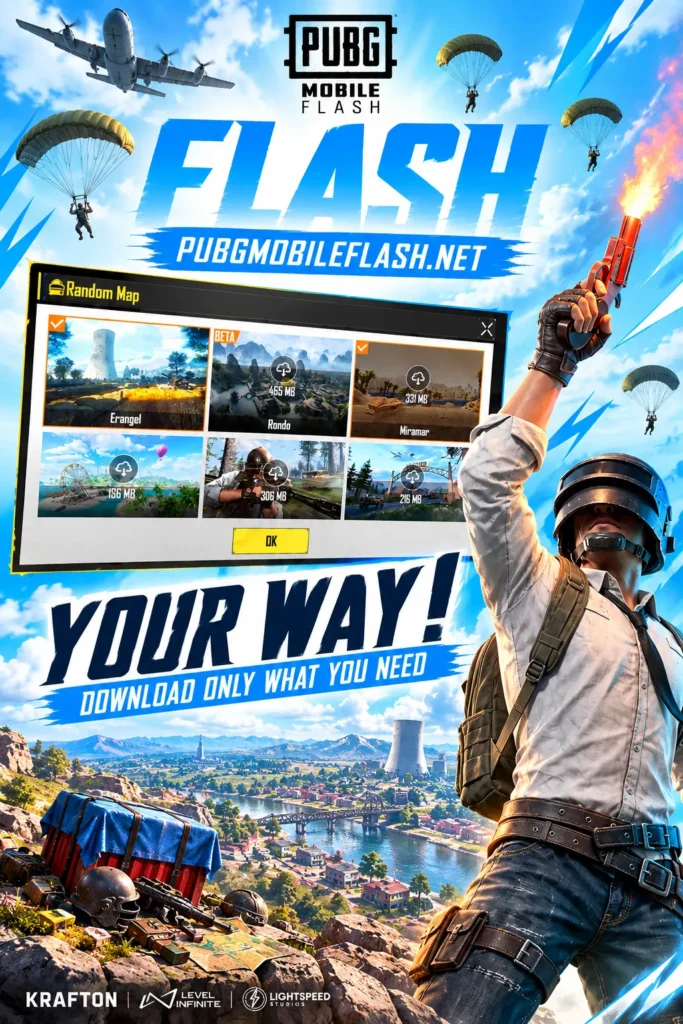
Download More When You Are Ready:
One of the most practical ideas behind PUBG MOBILE FLASH is giving players greater control over additional game content.
Erangel provides an immediate starting point. Players who later want to explore more available content can download supported maps or modes separately.
STORAGE MANAGEMENT
A Smarter Way to Manage Game Storage:
Large mobile games can gradually occupy significant storage when maps, resource packs, modes, updates, and other content are added.
PUBG MOBILE FLASH Android approaches this differently by making the initial experience lighter and allowing optional content to be added later.
PUBG FLASH VS STANDARD PUBG MOBILE
Both experiences belong to the PUBG MOBILE world, but FLASH puts greater emphasis on quick initial access and flexible storage.
| Area | PUBG MOBILE FLASH | Standard PUBG MOBILE |
|---|---|---|
| Main Experience | Authentic PUBG MOBILE battle royale | Full PUBG MOBILE experience |
| Initial Approach | Lighter starting download | Broader standard installation |
| Erangel | Ready from the initial experience | Available within PUBG MOBILE |
| Extra Content | Download additional maps and modes as needed | Larger content ecosystem |
| Storage Control | Strong focus on optional downloads | Depends on installed resources |
| Target Players | Players wanting quicker, more accessible entry | Players wanting the broader standard client |
| Updates | Connected with PUBG MOBILE updates | Main PUBG MOBILE update cycle |
GAMEPLAY TIPS
Useful Tips Before Entering the Battleground
As players gain experience, they can develop their own approach to landing, looting, movement, combat, and final-circle positioning.
ACCOUNT AND GAME SECURITY
Keep Your PUBG MOBILE FLASH APK Experience Protected
Players should download PUBG FLASH APK through official sources and avoid modified APK files or websites making suspicious promises.
A few basic habits can help:
An offer that asks for account credentials outside normal PUBG MOBILE channels should be treated carefully.
WHO IS IT FOR?
PUBG MOBILE FLASH may be particularly interesting for players who enjoy PUBG MOBILE but prefer a lighter starting installation.
It can also appeal to players who want to enter Erangel quickly rather than downloading a large collection of optional resources before their first battle.
Existing PUBG MOBILE fans may appreciate the familiar world and gameplay, while new players can use FLASH as a more accessible way to discover the battle royale experience.
Players with limited available storage may especially appreciate the ability to choose which additional maps and modes they want to keep on their phones.
Ultimately, FLASH is not about turning PUBG MOBILE into a completely different game. Its purpose is to make getting into the familiar experience faster and more manageable.
Pros and Cons
PUBG MOBILE FLASH has a clear focus on accessibility and storage flexibility, although the experience players get will still depend on their device and the additional content they choose to install.
Pros
Cons
User Reviews about PUBG Flash
See what players are saying about their PUBG MOBILE FLASH experience, from faster access to smoother gameplay and flexible storage.
Ready to Drop Into PUBG MOBILE FLASH?
PUBG MOBILE FLASH introduces a more flexible way to enter the PUBG MOBILE battleground without moving away from the experience that made the game famous worldwide.
Its biggest strength is simplicity at the beginning. Players can install the game, access Erangel without a secondary map download, and start experiencing battle royale action sooner. From there, additional maps and modes can be downloaded according to individual interests and available storage.
This makes FLASH particularly interesting for mobile players who want PUBG MOBILE while keeping greater control over their phone’s storage.
Screenshots
Frequently Asked Questions
Earning from referral open doors for uses who want to make passive income while doing nothing. Just Refer to your friends and start earning.
Is PUBG MOBILE FLASH an official PUBG MOBILE game?
Yes. PUBG MOBILE FLASH is an official PUBG MOBILE experience designed around a lighter initial download and broader device accessibility.
Is this Android Game available worldwide?
The game is being introduced for a global audience. Actual store availability can still vary by device, region, and rollout status.
Is PUBG FLASH is the same as PUBG MOBILE?
It belongs to the PUBG MOBILE world and keeps the authentic battle royale experience, but FLASH places more emphasis on a lighter initial installation and optional content downloads.
Can I download more maps later?
Yes. Additional supported maps and modes can be downloaded when players choose to expand their installed content.
Can I play PUBG MOBILE FLASH with friends?
PUBG MOBILE FLASH is designed to remain connected to the PUBG MOBILE world, including its social experience with friends.